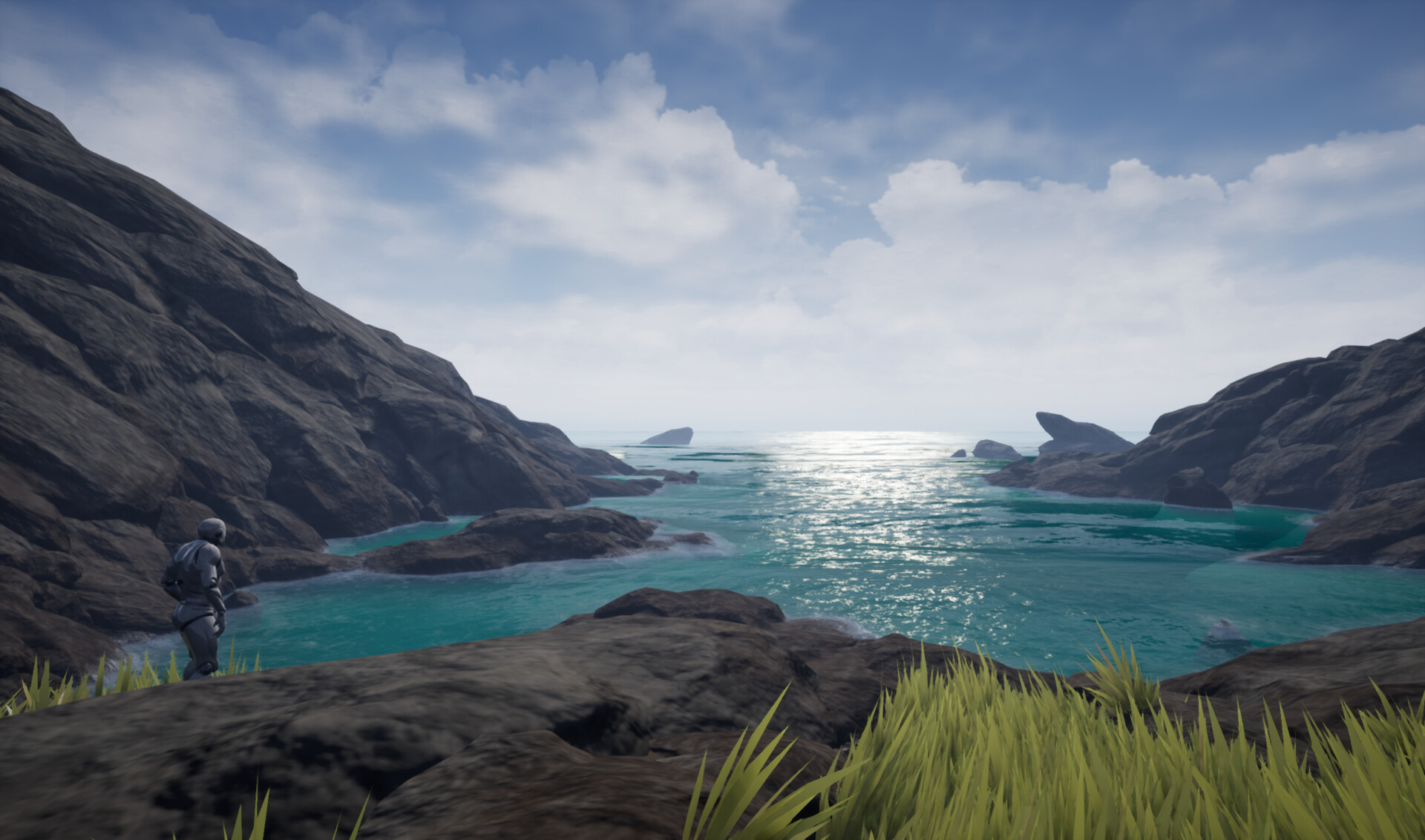
The Phong specular reflection model can be easily transferred into an UE4 material. In the past I have found this to be particularely useful for faking sun reflections, e.g on water, which otherwise is quite difficult purely using UE4's standard Specular parameter, specular reflections on stylized shaders or adding some glitter to metallic materials, since Metalness and Specularity don't go together.
Since other people have already explained this shading model far better than I ever could I will put some links further down. My blog post will only deal with a very simple implementation, which can be expanded.
Below is a comparison of UE4's built in specular reflections and built in combined with custom specular to show what we can achieve with this. The settings are: Specular = 1, Roughness = 0.5, the custom specular is plugged into Emissive with different Parameters.

I also used this method for a water shader during my final year in university. (https://www.artstation.com/artwork/bav3on)
1. The Formula
To calculate the specular reflections we need two equations:

2. Translating it into UE4
Taking these equations we can recreate them in a Material Function. We need the following inputs: Surface Normals (vector3), Light Direction (vector3), View Direction (vector3) and Specular Exponent (scalar).

Creating this material function is pretty straight forward, just some simple maths, the more interesting part is, what we use as the function inputs.
2.1 View Direction
The view direction is defined as the vector from the camera towards the surface. There are multiple ways in which we can tackle getting the view direction.
The simplified way would be just using the camera's forward vector, which Unreal has built in as a node called CameraDirectionVector. I have also added the calculation to achieve the same result.

To actually get the Vector towards the surface position we can use the node CameraVectorWS, which is the vector from a surface pixel towards the camera, so we would have to invert it to get the view direction (again, calculation included).

2.2 Surface Normals
Next we can think about the surface Normals. If we just want the Normals of the geometry we can use either the node VertexNormalWS or PixelNormalWS. However most of the time we apply some sort of Normal Map to the model. To make this work we have to transform the Normal Map from Tangent to World Space. Fortunately Unreal has a material Node for this as well.

2.3 Light Direction
Same as the view direction we can approach the light direction in different ways. If we use the sun as our light source we can simplify the light direction to a simple vector, that is the same everywhere. Because the sun is so far away we can essentially treat the vectors from sun position to surface position as parallel. Another reason to do so would be, that the distance between sun and surface would be absolute massive, which makes it difficult to store the sun position in a variable to calculate the light vectors. Also the "sun" in Unreal is a directional light source, so just taking that light's forward vector works fine.
If we are dealing with a point light we can simply get the vector PointLightWSPosition to WorldPosition. Other light sources, like rectangular or spot lights would be more difficult to calculate and would probably go too far for this blog post, maybe something for the future.
Anyways, variables like light position or forward vector could be passed to the material via a Blueprint.

2.4 Combined Results
Now setting up the Phong Material Function would look something like this:

I have also made some comparison screenshots, first with different specular exponents and then with different surface normals. To best show the results I am working with an unlit material, but I will also show how it looks in combination with a default lit material further down.


This hopefully shows, that quite a variety of specular effects can be achieved. Also the Phong shading model is by far not the only one, that could be recreated in such a way, however it was the easiest for now, but the same approach could be taken for others.

I hope this is helpful, any ideas or question are always appreciated.
3. Useful Links
https://en.wikipedia.org/wiki/Phong_reflection_model
https://paroj.github.io/gltut/Illumination/Tut11%20Phong%20Model.html
http://learnwebgl.brown37.net/09_lights/lights_specular.html
https://www.scratchapixel.com/lessons/3d-basic-rendering/phong-shader-BRDF


No comments:
Post a Comment